
Fairfield Police Blotter Sources
Bridgeport's official Police Blotter is the clearest period-based source for that city. The adult arrest and citation PDFs cover named stretches, some month-long. Juvenile arrests stay out. A file can be posted after the arrest date. Redactions may appear in the released document. Treat it as a publication record rather than a live custody list. Norwalk's Daily Logs work differently. The adult arrest PDF rolls across recent dates and regenerates each morning. Stamford lists no routine public log, which makes its Records Division the official route. Nothing combines these city systems into one complete Fairfield County blotter.
Read Fairfield Arrest Logs
Pick the agency before you pick a date. A Bridgeport file and a Norwalk file cover different windows, so the two should never be merged as though they formed one roster.
- Confirm which police department made the arrest.
- Open the official agency page, not a copied search result.
- Select the stated Bridgeport period or inspect the dates within Norwalk’s rolling PDF.
- Match the name with arrest date, case or incident number, charge, and court date.
- Check the court source for the later disposition and CT DOC only for current state custody.
Still unfolding? The Arrests Last 24 Hours page walks through the same-day route. A blotter entry can linger after release. So absence from a custody search never erases the published arrest.
Fairfield Arrest Log Fields
Both Bridgeport and Norwalk publish adult records with useful identifiers. The layouts differ, though. Field order and redaction can shift between files.
| Field | Use and limit |
|---|---|
| Name and identity details | Match cautiously; the entry is not a conviction. |
| Arrest date and time | Distinguish it from the later posting date. |
| Incident or case number | Use it for records and court follow-up. |
| Charge and statute | The charge entered at that stage. |
| Court date | A scheduled event, not a disposition. |
| Bond or fine | A listed condition, not current custody proof. |
| Officer | The officer tied to the entry. |
| Photo | The public logs do not form a booking-photo gallery. |
The Bridgeport publication page shows the period-log model.
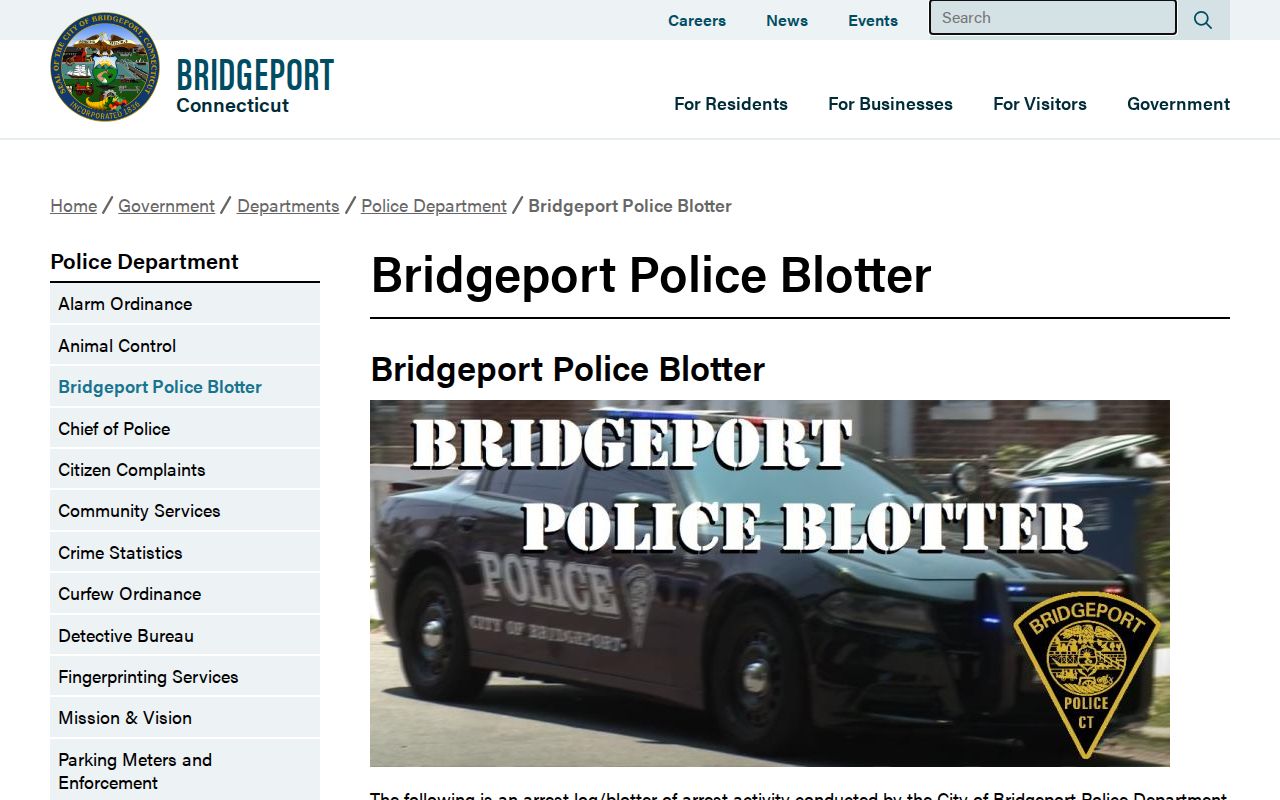
The page shows how readers select an official period file instead of assuming a live county roster exists.
Norwalk Rolling Arrest Depth
Norwalk's adult PDF ran about three pages and covered several recent dates at once. That depth keeps rolling forward. Avoid calling it a seven-day or weekly log unless the current document proves that range. The file regenerates around 6:00 a.m. An arrest and its publication can land on different calendar days. A multi-day view helps after weekends and holidays. You can work backward by arrest date. A later upload does not mean the arrest happened at upload time. Note the PDF footer time and the entry's own timestamp. That small habit prevents a common reading mistake.
Note: Norwalk’s observed document depth can change whenever the automated file is rebuilt, so describe the current dates rather than promise a range.
Fairfield Blotter Archives
Bridgeport's period PDFs can supply older snapshots. The page is not a promise of a complete permanent archive. Norwalk's running file targets recent activity and rolls forward. Stamford requests hinge on the report and its court status. For anything past a visible window, contact the agency custodian. Include name, date, place, and case or incident number. Connecticut DOC Administrative Directive 4.7 governs state correction records. Retention periods come from law, regulation, and State Librarian schedules. That does not yield one simple public deadline for every booking photo. The State Library schedule system explains how records are kept or disposed of. Ask whether a missing record was transferred, destroyed under schedule, restricted, or held elsewhere. The Norwalk Records Unit page identifies the local custodian.
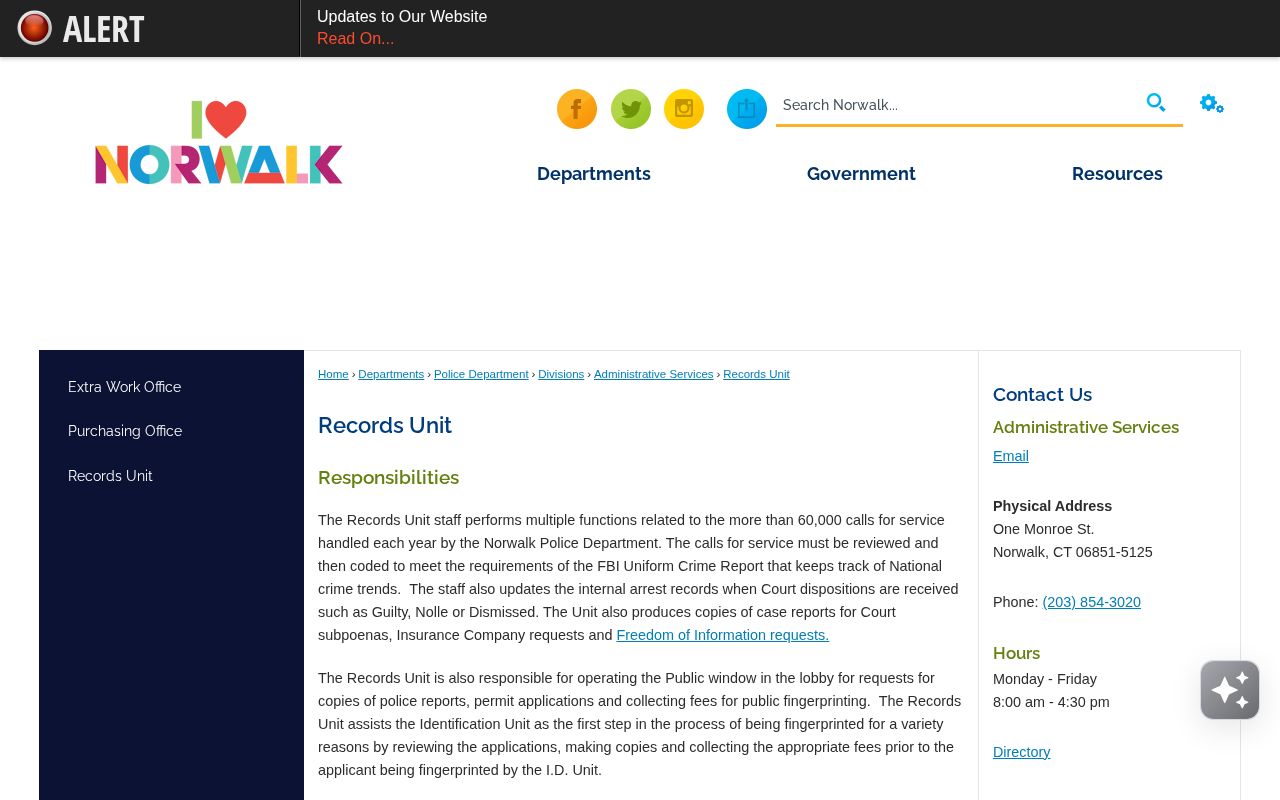
That page matters beyond the rolling PDF. Norwalk updates its internal arrest records when guilty, nolle, or dismissed dispositions arrive.
State Custody After Fairfield Arrests
Connecticut runs a statewide correction system. Bridgeport Correctional Center is a DOC facility serving several Superior Courts. It holds pretrial and sentenced people. It is not a county jail. Not every municipal arrestee lands there. Some are released from police custody, and others transfer to a different state facility. The CT DOC locator answers current state custody questions. Its labels include Accused and Sentenced. A city blotter cannot supply that status, and DOC cannot replace an old police arrest record. Use each source only for the question it answers.
Fairfield Arrest News Archives
Local reporting helps once the public log changes and an older event slips out of view. The Stamford Advocate, The Hour, News 12 Connecticut, DoingItLocal, Connecticut Post, and CT Insider all cover parts of Fairfield County. Their stories are selective. Many rest on police statements, affidavits, or court filings. They are not official rosters. The The Hour local page provides regional reporting context.
Treat news as a lead. Then verify with the police custodian or the court. Unofficial county aggregation can be incomplete, stale, or mismatched, so official sources come first. No third-party count deserves the label of a Fairfield County arrest total.
Fairfield Blotter Request Routes
Bridgeport Records keeps arrest, warrant, incident, accident, and related police records. Its page warns that reports tied to an arrest may stay unavailable until the court resolves the charges. Copies cost fifty cents per side. Approval can take several days. The city also offers an online FOI portal. That matters when a Fairfield blotter entry confirms an arrest but the supporting report is not yet releasable.
Stamford works request first. The Records Division asks for the report number when known, the requester's name, the event date and time, the location, and the report type. Many reports take three to five business days. An arrest report depends on its court case. The office posts spdrecords@stamfordct.gov and 203-977-4409.
Norwalk Records lists npdrecordsunit@norwalkct.gov, 203-854-3009, 203-854-3151, and One Monroe Street. A case photo or video request must name the case, the date, the type of material, and requester contact details. The agency may still apply lawful redactions or restrictions.
Each city sets its own route. The Connecticut FOI Commission request guidance supports starting with the agency that holds the record.
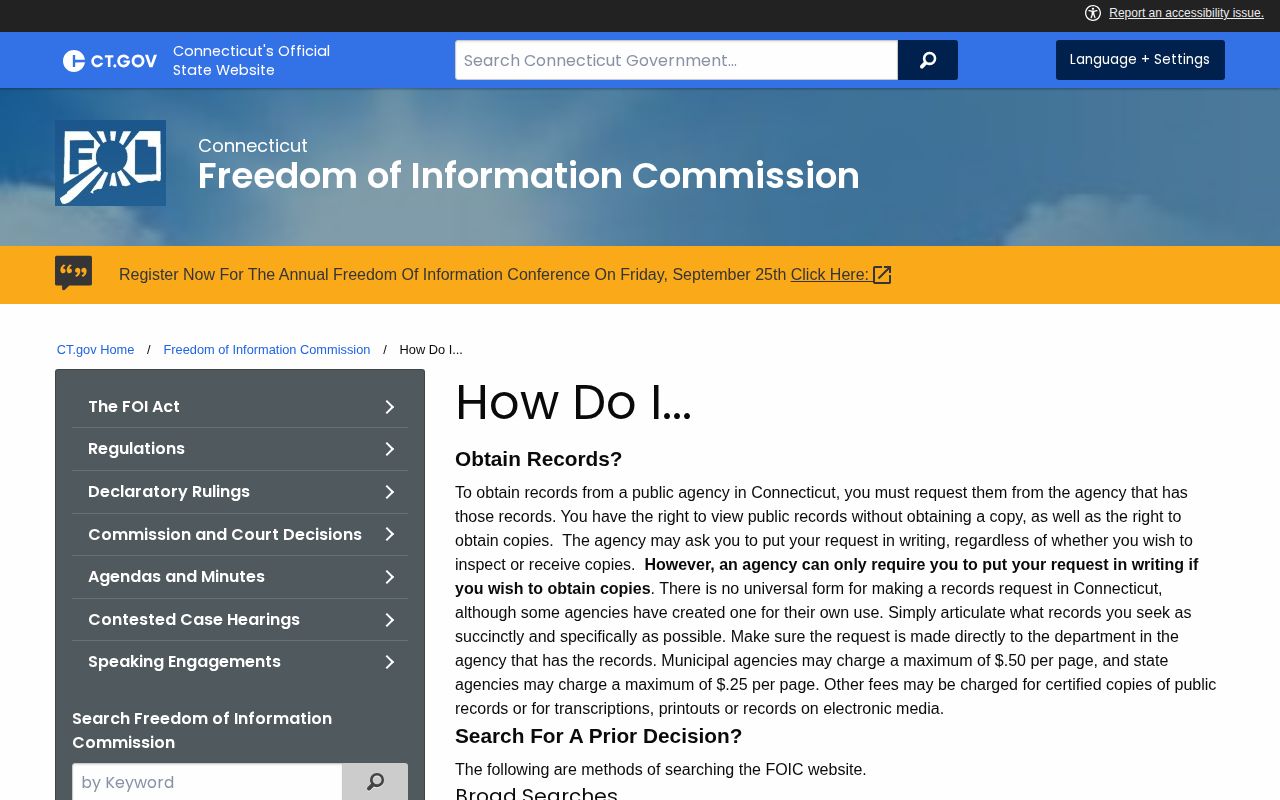
Older blotter requests go to the holding agency.
Fairfield Arrest Dates Differ
A period file carries several dates with different jobs. The arrest time marks the event police reported. A court date points to the next stage. The PDF creation or posting date shows when the document became public. A later update may mean a redaction, a correction, or a routine publishing cycle rather than a new arrest.
Bridgeport files can list arrest date and time, incident number, court date and time, charges, counts, and arresting officer. Norwalk includes the arrest name, charge and statute, officer, court date, bond or fine, and case number. Read each source's column labels. Don't force both formats into one invented county schema.
Local news can complicate this. Its publication date is not the arrest date, and an article may omit the final result. Matching the case number and court date beats matching a name alone.
Fairfield Arrest Outcomes Change
Blotter charges can change. They may be reduced, dismissed, or nolled. Even the Judicial online service warns it is not the official court record, so the court disposition remains the final status to check.
Fairfield Blotter Photo Limits
A blotter entry is one record. A booking photograph is another. Bridgeport's public period PDFs form no photo gallery. Norwalk's public arrest PDF omits photos too, even though its Identification Unit keeps historical and current arrest images. Stamford posts no routine public blotter, so a photo there takes a specific request.
Need an image for a lawful record purpose? Identify the arresting agency, the person, the arrest date, and the case or incident number. Ask for the booking photo tied to that event, and request the reason for any withholding or redaction. Skip images from unofficial pages. They can be stale, mismatched, or detached from the later court result.
A stored image promises no public online access. Use the same court follow-up before drawing conclusions from a photograph.
Public Record Search
Sponsored Results